What is the difference between a QR menu and online ordering?
Showing the menu and managing orders inside the business meet different needs.
A QR code is not the menu itself
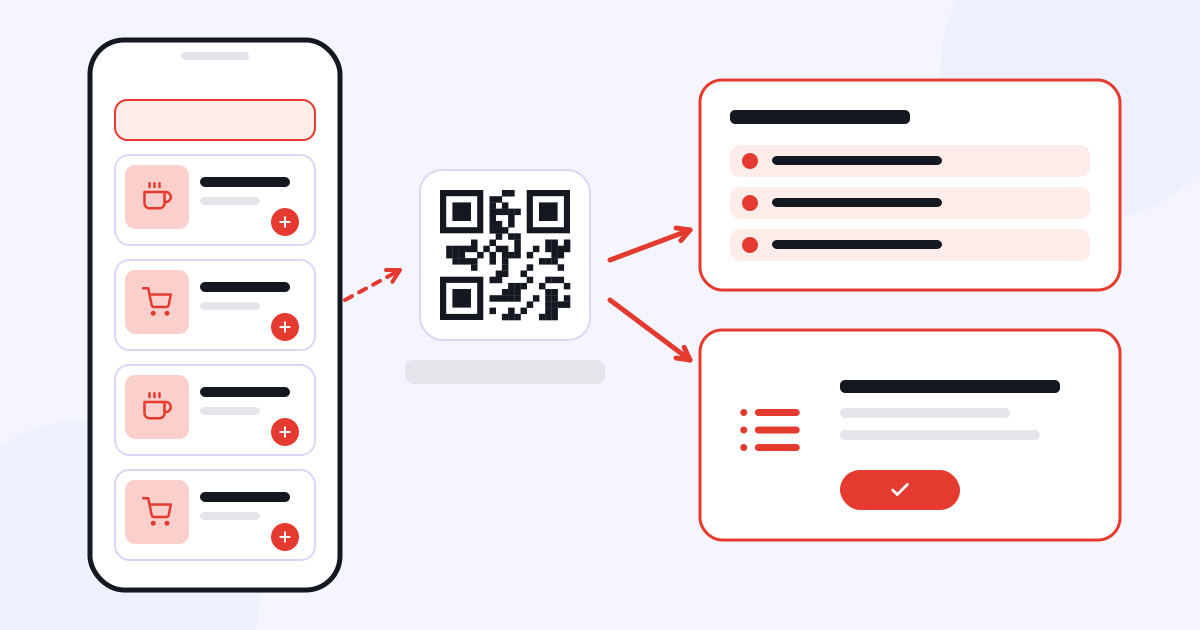
A QR code is the access route that lets a customer reach the menu with their phone. The page that opens may only show products and prices, or it may also include ordering functions. So when evaluating a QR menu solution, you need to look at what operations sit behind the QR code.
On a page that only displays the menu, the customer browses the products and passes their order to the staff. In a setup with an ordering feature, product selection can be done through the system. If a table-specific link is used, which table an order belongs to can also be included in the business’s flow.
What information should the menu include?
Product names and descriptions should be clear, and prices should be kept up to date. Categories should make it easy for the customer to find what they are looking for. Images should match the product, and ingredient and option information should describe the products the business offers accurately.
Keeping discontinued products on the menu or not updating a changed price means the digital menu gives wrong information too. Decide who has permission to make updates and how changes will be checked.
How does an order move through the business?
In a system that takes orders, it needs to be clear how the customer’s selection reaches the kitchen and the cashier. Orders coming from a table are not the same as orders coming from the business’s online sales channel; delivery and payment methods may differ.
Menux is the CXR app that covers the QR menu, table-specific orders, the kitchen and cashier flow, and online orders together. Depending on the business’s needs, an order process can be set up that goes beyond displaying the menu.
Try a small flow before you start
First, try the order flow with a few products and one table. Check together the customer’s selection, the order appearing in the business and the payment step. Make it clear which screen the relevant staff will use to follow which task.
If you work with external ordering platforms, look into the scope of the required integration separately. A system taking online orders does not mean it automatically connects to every external platform.
The right starting question is not only “Is there a QR code?” but also “What happens in the business when a customer places an order?” Explore Menux’s features.