Which industries use QR code technology?
Choose the page behind a QR code based on what the customer is meant to do.
What is a QR code good for?
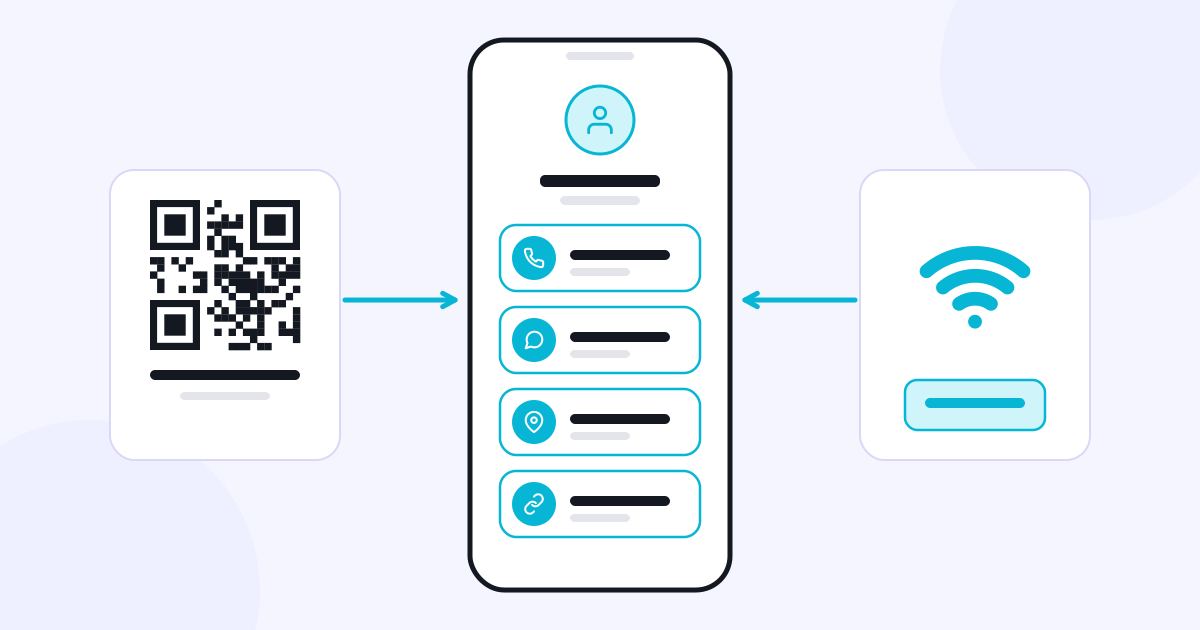
A QR code lets you reach a link from a printed or digital surface. When a customer scans the code with their phone’s camera, they can open the related page. What a code is useful for depends on what can be done on the page it leads to.
That is why, before preparing a QR code, decide what you want the customer to do. Viewing contact details, choosing products, opening a menu and uploading photos are different actions. For each one, the explanation and the destination page should be set up for that specific task.
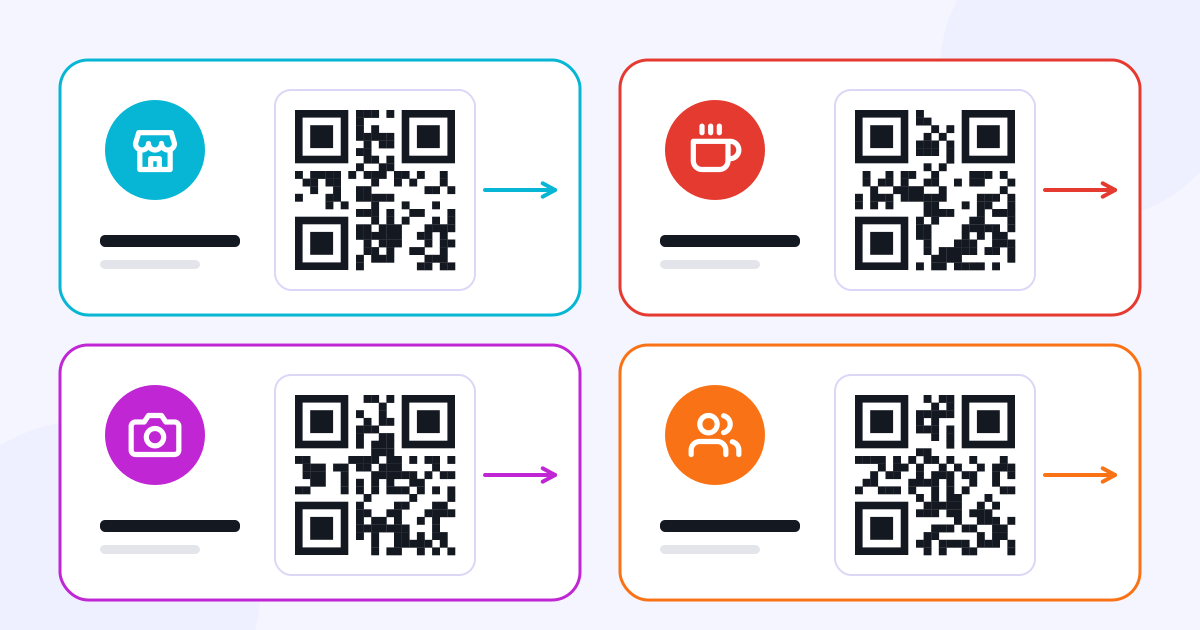
Stores and service businesses
A QR code on a store counter or on a service business’s business card can lead to the phone number, WhatsApp and the location. With Linke, a business’s links can be shared together in one place.
Businesses that want customers to look through products or service packages in detail can point the QR code to an online catalog prepared with Catalog. A contact page and a catalog meet different needs; the customer’s task at that moment determines the destination.
Restaurants, cafes and hotels
A QR code on a restaurant table can open the menu. If ordering is available, the customer’s choice can also feed into the business’s order flow. Alongside showing the menu, Menux covers table-specific orders, the kitchen, the cashier and online ordering.
During setup, decide whether the QR code is tied to a table or to a shared menu. Keep price and product information up to date, and show customers clearly which actions are available after scanning.
Photo studios and events
A QR code on an event board or a table card can take guests to the area for uploading photos and videos. This use can be organized through Momento.
A photographer getting album selection and approval from a client is a separate process. Selecto can be looked at for that. Uploading, browsing a gallery and selecting photos should not be described as if they were the same action.
What should you write on printed materials?
Use a short instruction next to the code: “View the menu,” “Open the catalog” or “Upload your photos.” Before printing, test the code on a real phone, at the size and in the lighting where it will be used. Also check that the page it opens is readable on a phone.
A QR code connects a physical touchpoint to a digital action. What matters for the business is that, after scanning, the customer reaches the information or action they are looking for.