What do SaaS tools offer businesses? What should you check before you start?
Before starting with ready-made software, evaluate your workflow, the scope and the terms of use.
What does SaaS mean?
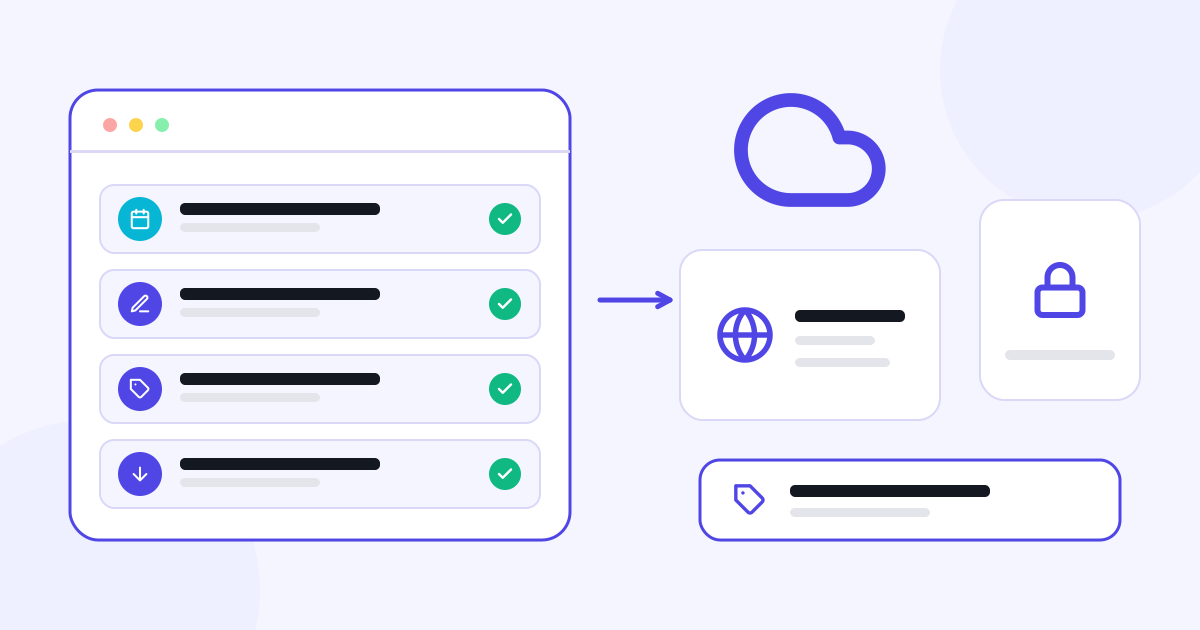
SaaS is a model in which software is used as a service. The business accesses the application through infrastructure operated by the provider. Many SaaS products are used by subscription; pricing and usage units can vary by product.
This model can let you start with a ready-made application instead of developing software from scratch for every need. However, not all SaaS products have the same features, service scope or pricing.
Define the job to be done first
Turn the statement “I want to go digital” into a daily task. Do customers need to reach your contact details? Do you want to update your products and prices? Will you track event requests or photo selections?
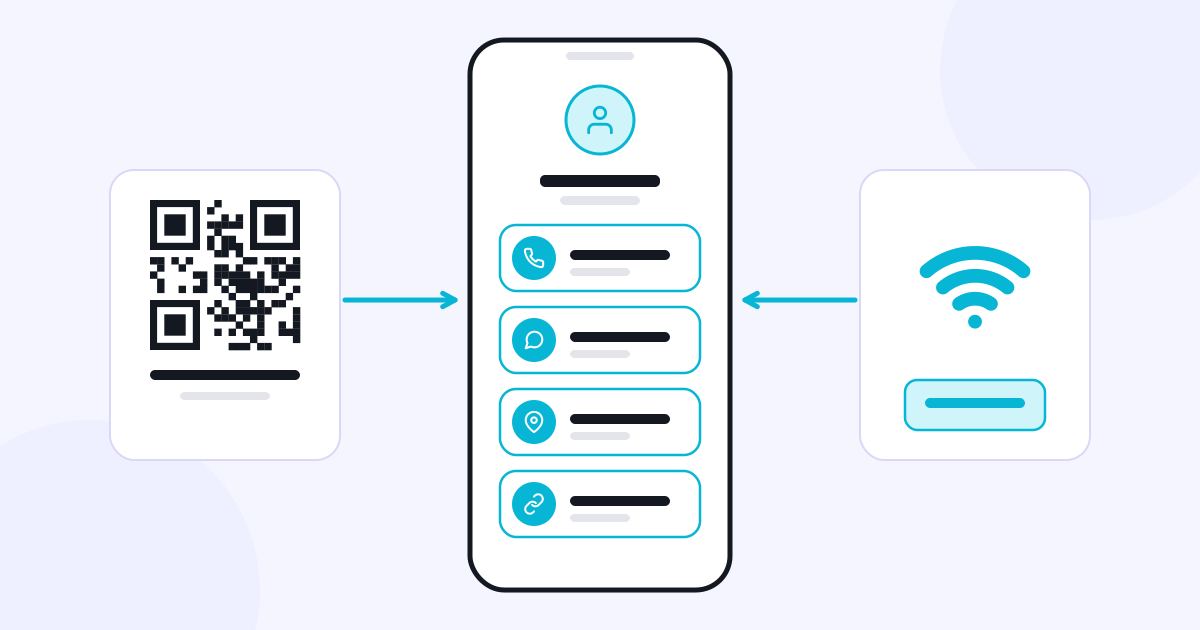
These questions clarify which app to choose. Linke focuses on bringing digital links together, Catalog on online catalog content, and Eventix on event quotes and management. Starting with the job you actually need keeps you from inflating the process with functions you won’t use.
What should you check during the trial?
Test with a few real pieces of content from your own business. Add a product, change its price, open the page your customer sees on a phone, and follow a request flow. It matters as much that the customer can complete the action as that the panel makes sense to you.
Every app on CXR App has a seven-day free trial. By evaluating the app you’re interested in with your own content, you can see how it works in use. Plan and price information can be reviewed on the relevant product’s page; you don’t need to wait for the end of the trial to see it.
Review the pricing and the business’s responsibilities
Besides the subscription fee, look at usage limits, setup services if any, and the scope of additional operations. Be clear about who will update the content and which people on the team will use the admin panel.
Data export, account closure, access permissions and support terms are also part of choosing an app. When picking a tool that makes daily work easier, evaluate the whole of its use.
Ready-made software does not create a business’s content and decisions on its own. When you define your product, price and customer process correctly, you can use the app to fit your business. {{apps|Explore CXR apps}}.