How do you collect event photos? Guest and photographer workflows
Organize the content guests capture and the professional photo galleries as separate workflows.
Separate the two different needs
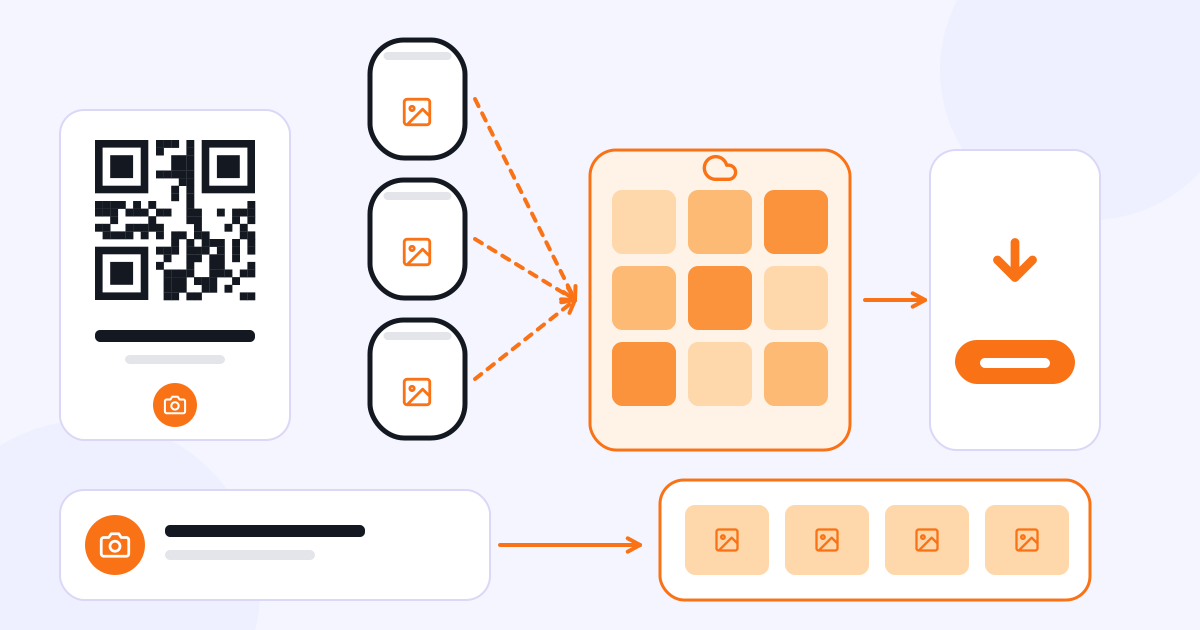
At an event, photos come from two main sources: guests’ phones and the professional photographer’s shots. Collecting guest content is not the same process as publishing the images the photographer has prepared.
Gathering photos and videos that guests send to different message groups can get difficult. Giving guests access to an upload area through an event link or QR code lets the content be collected in one designated place.
Give guests clear instructions
Next to the QR code at the event, write briefly what guests should do. After scanning, will they upload photos or browse the gallery? Don’t leave these two actions unclear in the same instruction.
You can use the QR code on table cards or on the event board. You can also share the link digitally before or after the event. Agree with the people organizing the event, from the start, on how long it will be available and who will have access to the content.
Momento is the CXR app used to collect guests’ photos, videos and messages at events. It can be used at different kinds of occasions, such as weddings, graduations, trips and corporate events.
How does the workflow change for a professional photographer?
On the photographer’s side, uploading the shots, organizing the gallery, and the digital download or sales steps come to the fore. Momento’s professional use also includes face matching support. This feature is not the same as photo selection and album approval.
Photos can contain personal data. Access to the gallery, sharing permissions, and, when face matching is used, the applicable notices and legal requirements need to be arranged separately. Sharing a QR code alone does not give anyone the authority to publish all guests’ photos publicly.
Album selection is a separate process
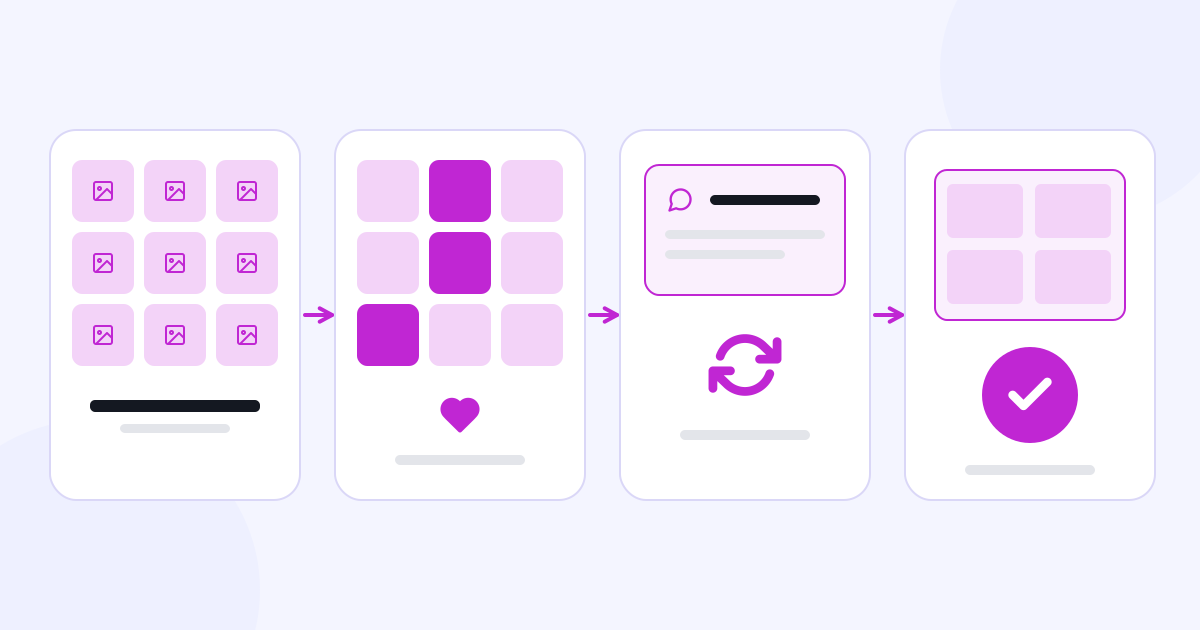
Selecto is used for the client to choose the photos that will go into the album, send revision notes and approve the design. Momento and Selecto are not interchangeable products; they focus on different stages.
If what you need is to collect guest content or share professional event photos, take a look at Momento.